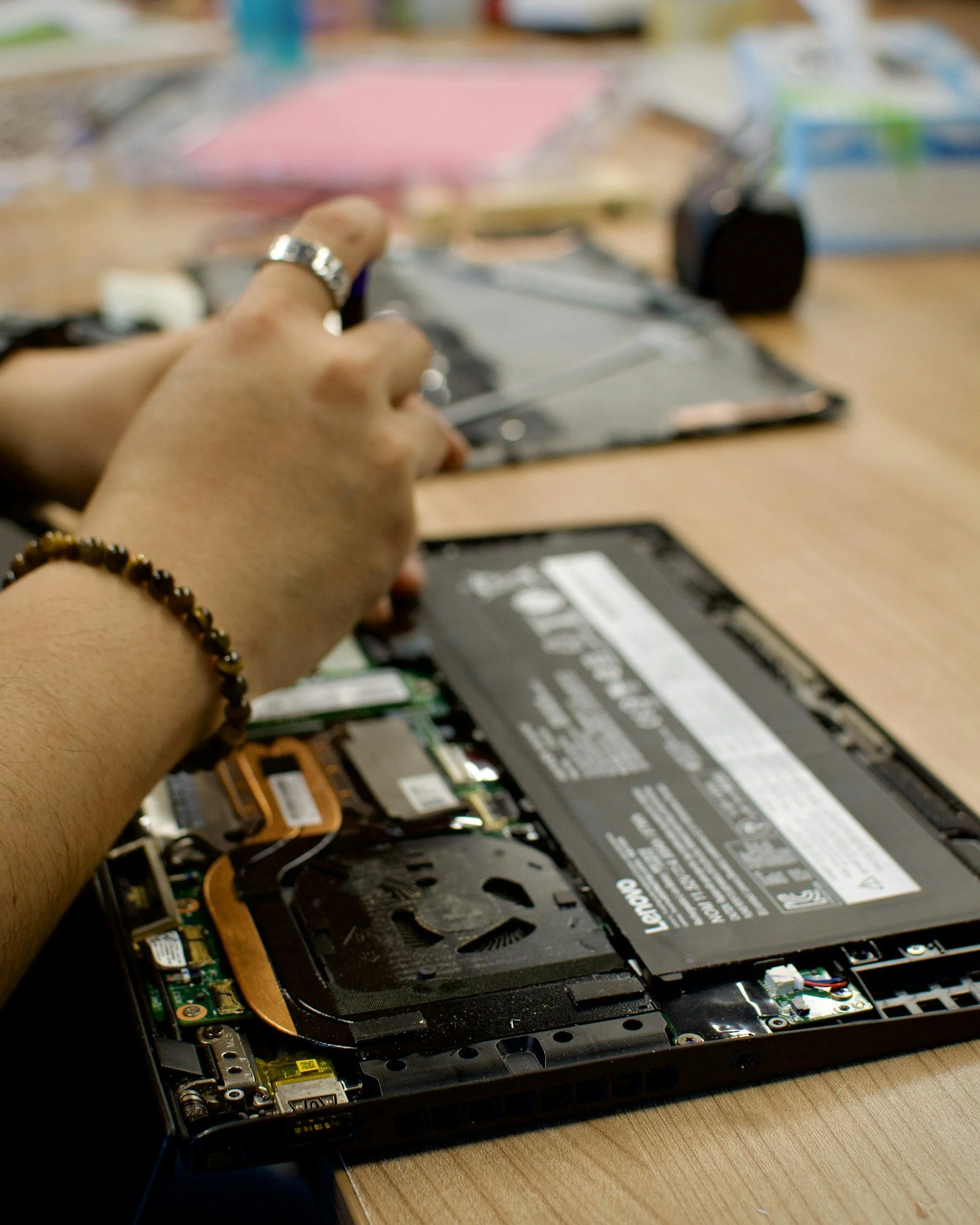
Restoring Technology: How Computer Repair Sustains Daily Life
Computers are central to how people live, work, and connect. From managing finances to attending virtual meetings, editing photos, and streaming entertainment, the devices we rely on must function smoothly to avoid disruption. The inconvenience can range from frustrating to catastrophic when hardware breaks or software malfunctions, depending on the situation. Restoring functionality quickly becomes a priority, but repairing involves more than just replacing parts. It includes diagnostics, decision-making, and ensuring data integrity. Understanding how computer repair supports productivity, security, and continuity helps individuals and businesses stay ready for unexpected setbacks.
Diagnosing issues and ensuring devices stay reliable
1. Common Signs of Trouble and What They Mean
Most computer users have experienced the sudden onset of glitches—slow boot times, strange noises, unresponsive screens, or error messages. These symptoms may seem minor initially, but they often signal underlying problems that could worsen over time. Sluggish performance may stem from overloaded memory, excessive background applications, or malware that quietly compromises system health. Strange fan noises or overheating could indicate dust buildup, failing thermal paste, or malfunctioning hardware like a dying hard drive or power supply. Ignoring these signs can lead to bigger failures that affect data accessibility or render the machine unusable. Rather than assuming a device is outdated or beyond repair, observing these signs carefully is essential. Diagnosing early and investigating root causes can prevent complete breakdowns and avoid the cost of replacement. Repairing instead of replacing supports sustainability by reducing e-waste and preserving existing tech for more prolonged use. Many terminal issues can be reversed with the right assessment and response.
2. Repair Options: From Software Fixes to Hardware Replacements
Computer repair can span a wide range of services, depending on what part of the system is malfunctioning. Some problems are software-based, involving corrupted operating systems, driver conflicts, or aggressive malware infections. In those cases, technicians may use recovery tools, clean reinstallations, or targeted software patches to restore full performance. Other repairs involve physical components, such as upgrading a hard drive to a solid-state model, replacing cracked screens, or soldering new connections onto a motherboard. Knowing which route to take often requires methodically testing each system element. Some users may seek same-day solutions that limit downtime during busy periods or emergencies. Businesses, in particular, rely heavily on functioning computers and cannot afford long delays. For residents dealing with unexpected malfunctions, services like computer repair in Boca Raton provide access to troubleshooting and resolution tailored to home users and small offices. Fast turnaround combined with effective problem-solving helps keep productivity on track without compromising data or device health.
3. Data Preservation and Security Considerations During Repairs
Data integrity must remain a top concern when dealing with any type of computer repair. Files stored on personal computers—photos, documents, financial records—are often irreplaceable, and business computers may contain confidential client information or critical operational data. Repair technicians must handle systems carefully, ensuring data is backed up or protected during servicing. Even when the issue appears hardware-related, such as a damaged screen or failing keyboard, the drive containing the data might still be intact. It’s essential to approach each repair with safeguards to prevent unintentional loss. When drives fail, data recovery processes can be initiated before full replacements are made. On the software side, systems compromised by viruses or ransomware may require booting into safe mode or using encrypted backups. Computer owners should know the importance of regular backups on external devices or secure cloud platforms. Being prepared with a backup strategy ensures that repair doesn’t mean starting over from scratch.
4. Cost and Repair Versus Replacement Decisions
One of the biggest questions people face when a computer begins to fail is whether the repair is worth it. Price, device age, and intended use are all factors that contribute to this decision. A laptop with a broken hinge or dim screen might still have perfectly functional internal components, making the repair worthwhile. Conversely, replacement could be more efficient if the motherboard is damaged and the system is over six years old. Technicians can assist with this decision by explaining repair costs with the current device values. Upgrading specific parts, such as increasing RAM or moving to a newer storage format, can often breathe new life into older machines at a fraction of the cost of a replacement. For budget-conscious individuals or families with school-aged children, this approach offers a practical way to stretch the usefulness of their technology. It also ensures a smoother transition when it does come time to upgrade by preserving files and keeping systems familiar.
5. Supporting Long-Term Performance With Preventive Measures
After a computer has been repaired, it’s essential to maintain its performance through good digital hygiene and periodic upkeep. This includes updating antivirus software, avoiding suspicious downloads, and managing storage space effectively. Physical maintenance also plays a role—keeping devices dust-free, not obstructing ventilation, and using surge protectors contribute to longer hardware life. Scheduling occasional checkups or cleanings can prevent common issues before they appear. Users should also monitor how applications affect their system and uninstall unused programs to reduce background strain. Password security, two-factor authentication, and system encryption help protect against external threats that can compromise even well-functioning devices. The longer a computer remains reliable, the less likely it is to require emergency service. Taking a proactive approach to digital maintenance, including regular data backups and hardware inspections, reduces surprises and makes future repair needs more manageable. This approach supports peace of mind and significantly extends the investment's lifespan.
Repair as a Key Part of the Tech Lifecycle
Computer repair is not just about fixing what’s broken—it’s about preserving functionality, protecting data, and empowering users to get more from their technology. Whether facing software glitches, physical damage, or general wear and tear, users benefit from understanding the repair process and acting before issues become severe. Prompt attention to problems ensures smoother operation, helps avoid costly replacements, and maintains productivity. Repairs, when done correctly, restore confidence in the device and give users control over their digital experience. Knowing what services are available and how to make informed choices about them allows individuals and small businesses to stay efficient, connected, and resilient in a world increasingly dependent on computers. Maintaining devices through repair rather than replacing them too soon reduces electronic waste and supports more sustainable technology habits. With thoughtful attention and timely service, computers can serve their owners well for years beyond the expected lifespan.