
Restaurant POS System Australia Explained
A restaurant POS system in Australia is the digital backbone of modern hospitality. It takes orders, processes payments, tracks stock, manages staff, records sales, and connects your kitchen, front-of-house, and reporting into one clear workflow.
If you run a café, takeaway, pub, food truck, or full-service restaurant, a proper restaurant POS system is no longer optional. It directly affects speed of service, accuracy, labour control, and profit margins.
This practical guide explains how restaurant POS systems work in Australia, what features actually matter, how much they cost, and how to choose the right setup for your venue.
What Is a Restaurant POS System?
POS stands for Point of Sale. In hospitality, it is the system that manages:
Order taking
Table management
Payment processing
Kitchen communication
Sales reporting
Inventory tracking
Staff management
Modern Australian venues usually use cloud-based systems such as:
POSApt
Lightspeed
Shopify
OrderMate
Each platform differs slightly in pricing, workflow design, and hospitality focus.
How a Restaurant POS System Works in Daily Service
Understanding how the system fits into daily operations is more important than knowing the features list.
Step 1: Order Entry
Staff enter orders via:
Counter terminal
Tablet
Handheld device
Self-service kiosk
Online ordering
Modifiers such as extra cheese, no onion, spice level, or dietary notes are selected directly in the system. This reduces handwritten mistakes.
Step 2: Kitchen Communication
Orders flow automatically to:
Kitchen display system (KDS)
Thermal receipt printer
Bar printer
Dessert station
No running dockets. No verbal confusion during busy service.
Step 3: Payment Processing
Australian restaurants typically accept:
EFTPOS
Visa / Mastercard
Amex
Apple Pay
Google Pay
The POS integrates with a payment terminal. Some providers require you to use their own merchant facility, especially if you choose a free POS system plan. This means you must choose the POS company first before locking in payment processing.
Step 4: Reporting and Reconciliation
At the end of the day, the system provides:
Sales totals
GST breakdown
Payment reconciliation
Staff performance
Best-selling items
Hourly sales data
This replaces manual tallying and reduces accounting errors.
Key Features Australian Restaurants Actually Need
Not every feature matters equally. These are the practical ones that affect daily performance.
Table Management
Essential for dine-in venues.
Look for:
Visual floor plan
Split bills
Merge tables
Transfer tables between staff
Track table duration
If table control is clumsy, service slows down.
Inventory Tracking
Basic POS systems only record sales. Good restaurant POS systems track ingredients.
Example:
If you sell 50 chicken parmas, the system reduces:
Chicken breast stock
Crumb mix
Chips
Sauce
This connects to restaurant inventory management and reduces waste.
Online Ordering Integration
Australian customers expect:
Website ordering
QR code table ordering
Pickup and delivery options
The best systems integrate online orders directly into the same workflow as counter orders. No second tablet. No double entry.
Some providers offer branded WordPress website integration with online ordering for a small extra cost, which can be more affordable than third-party platforms.
Staff Management
Look for:
PIN login
Permission levels
Clock in and out
Sales per staff
Overtime tracking
In Australia, with rising wages and penalty rates, labour control is critical.
Reporting That Is Easy to Read
You need reports that answer:
What sells best?
What makes the highest margin?
What time is quiet?
Which staff upsell most?
Which menu items are not profitable?
If reports are too complex, they will not be used.
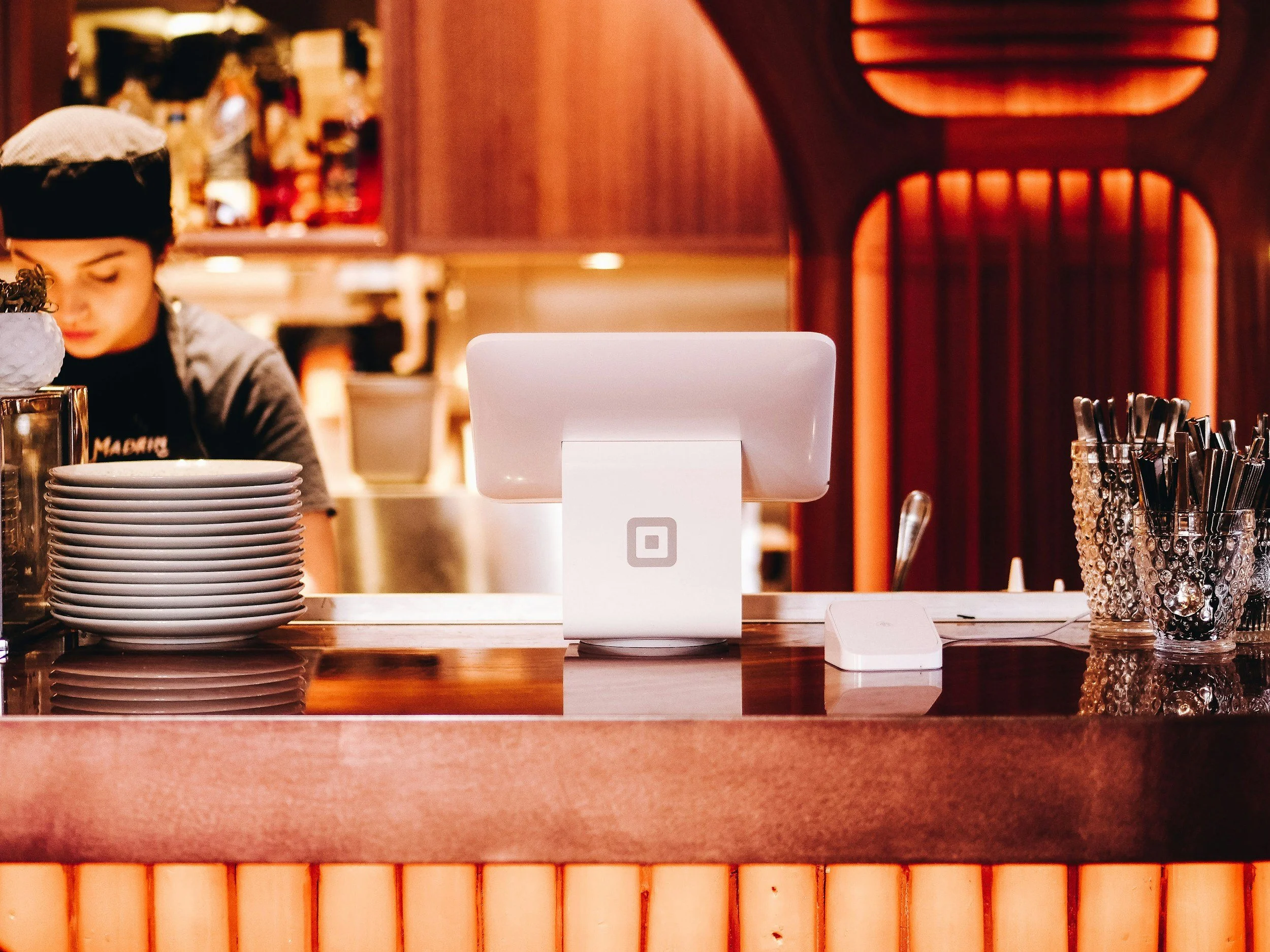
Restaurant POS System
Types of Restaurant POS Systems in Australia
1. Tablet-Based POS
Uses iPad or Android tablet.
Best for:
Cafés
Small takeaway
Food trucks
Market stalls
Lower hardware cost. Easier to learn.
2. Full Terminal POS
Includes:
Large touchscreen
Cash drawer
Receipt printer
Dedicated POS hardware
Best for:
Busy restaurants
Pubs
Multi-terminal venues
More stable for high-volume environments.
3. Cloud POS System
Most modern systems in Australia are cloud-based.
Benefits:
Access reports anywhere
Automatic backup
Multi-site control
Integration with accounting
Real-time stock updates
A cloud POS system allows owners to check daily performance even when offsite.
How Much Does a Restaurant POS System Cost in Australia?
Costs vary depending on setup.
Software Subscription
Approximate range:
$0 to $150 per month per terminal
Free plans usually require you to use the provider’s payment processing.
Hardware Costs
Typical ranges:
Tablet: $400 to $800
POS terminal: $1,200 to $2,500
Kitchen display: $600 to $1,200
Receipt printer: $250 to $500
Cash drawer: $150 to $300
Transaction Fees
Usually:
1.6% to 2.2% per transaction
This depends on:
Card type
Merchant agreement
Volume
Always compare transaction fees over a full year, not just the monthly subscription.
Practical Guide: How to Choose the Right Restaurant POS in Australia
Step 1: Define Your Service Style
Ask:
Dine-in heavy?
Takeaway focused?
Delivery-driven?
High alcohol sales?
Multi-location?
Workflow determines system choice.
Step 2: Decide on Payment Model
If you want a free POS system, check:
Do they require their own merchant facility?
What are the transaction fees?
Are there lock-in contracts?
Sometimes a paid subscription with lower fees costs less overall.
Step 3: Test the Order Flow
Do a real test.
Enter:
3 modified dishes
Split bill
Add surcharge
Apply discount
Refund item
If it feels slow or confusing, staff will struggle.
Step 4: Check Support Quality
Ask:
Is support Australian-based?
Is it phone support or email only?
What happens if the system goes down Saturday night?
Support matters more than fancy features.
Step 5: Review Integration Options
Check compatibility with:
Accounting software
Loyalty programs
Delivery platforms
Kitchen display system
Integration reduces manual work.
Common Mistakes When Choosing a Restaurant POS
Choosing Only by Price
The cheapest system often creates workflow problems.
Ignoring Hospitality-Specific Features
Retail POS and restaurant POS are different.
Restaurants need:
Modifiers
Kitchen routing
Table control
Split billing
Underestimating Staff Training
If the system is complicated, training takes longer and mistakes increase.
Choose intuitive design.
Not Calculating Full Yearly Cost
Calculate:
Subscription + Hardware + Transaction fees + Support + Add-ons
Do the maths properly.
When a Restaurant POS System Increases Profit
A good system does more than process payments.
It helps by:
Reducing order errors
Speeding up service
Controlling stock
Identifying profitable items
Tracking staff productivity
Reducing theft
Improving customer experience
Example:
If weekend oat milk keeps running out, POS data highlights the trend. You increase stock. Lost sales disappear.
That is practical decision-making.
Do Small Restaurants Really Need a POS System?
Yes.
Even small cafés benefit from:
Clear reporting
Inventory awareness
Accurate GST records
Digital payment integration
Faster reconciliation
Manual systems may seem cheaper but often cost more in lost control.
Final Thoughts
A restaurant POS system in Australia is not just a cash register. It is an operational control system.
The right system should:
Match your workflow
Be easy to train
Integrate payments smoothly
Provide clear reports
Offer reliable support
Scale as you grow
Before choosing, test the real service flow. Run actual orders. Compare full yearly costs. Think long-term.
In hospitality, small inefficiencies compound quickly. A practical, well-chosen restaurant POS system gives clarity, stability, and better decision-making, which ultimately protects your margins in a competitive Australian market.