9 Ways Versatile Image Editors Transform Creative Projects
In today's digital world, eye-catching images are important for getting people's attention. Whether you're an experienced graphic designer or just starting out, modern image editors can help you create amazing projects.
These tools let you turn your ideas into real designs quickly and easily. Think of them as a toolbox that can improve your images and let you do detailed design work with just a few clicks.
This article looks at how these editors are changing the way people create, making it easier and more fun for everyone.
1. Comprehensive Editing Features
Modern image editors come loaded with an extensive suite of editing tools. Users can perform basic adjustments such as cropping, resizing, and color correction, as well as more advanced functionalities like layer management and blending modes.
These features cater to both beginners and professionals, allowing for a seamless experience regardless of skill level. For example, programs like Adobe Photoshop and GIMP are well-known for their powerful features that enable users to manipulate images on a granular level.
2. Customizable Templates
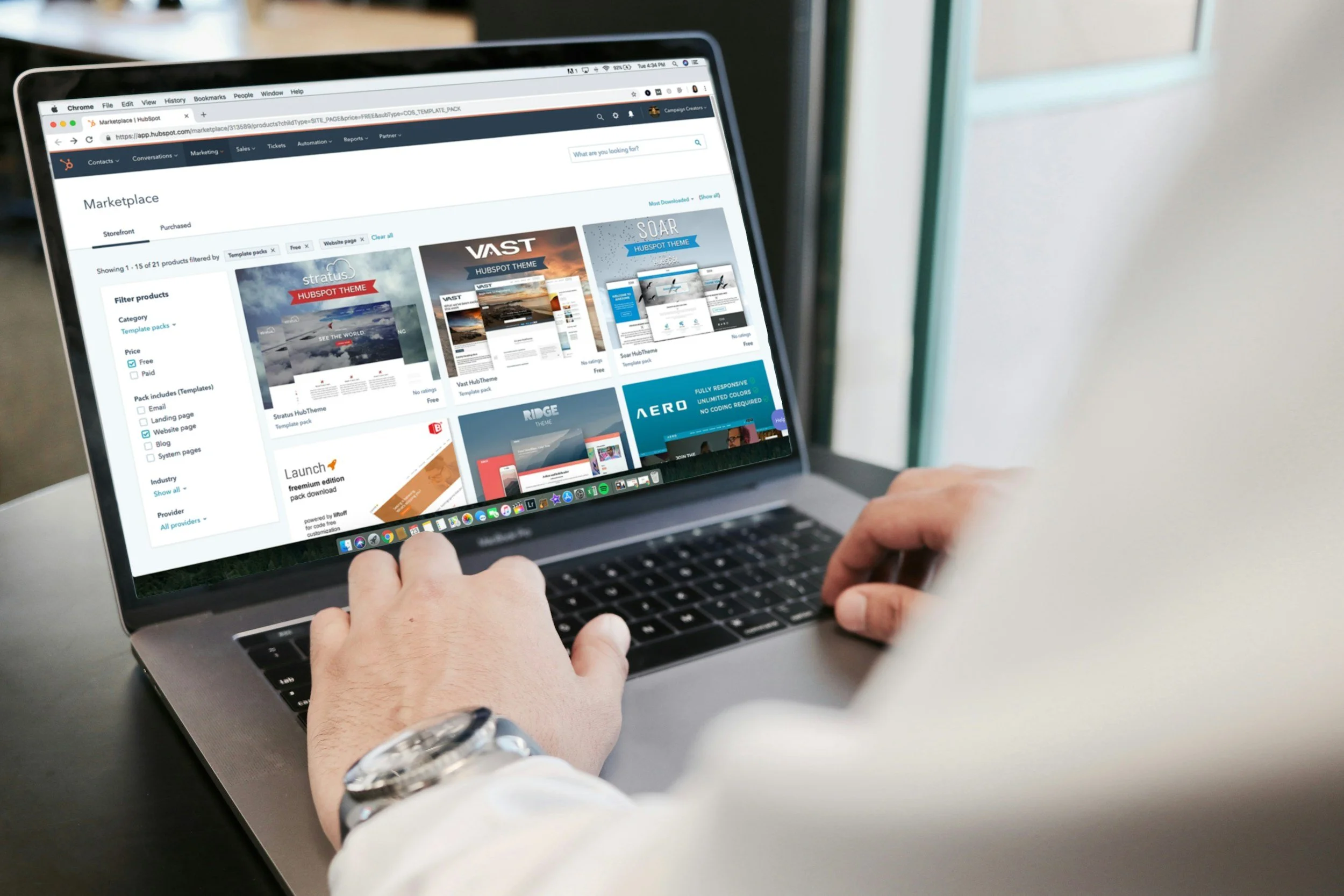
These ready-made designs save time and effort by giving users a strong starting point for their work. Whether you're creating social media posts, posters, presentations, or invitations, templates offer a quick and easy way to produce professional-looking results. What makes them powerful is their flexibility-you can change the following:
colors
fonts
images
and layouts
This means even beginners can create eye-catching designs without starting from scratch. For experienced users, templates speed up workflow and spark fresh ideas.
With just a few clicks, you can turn a basic template into something unique and polished. Customizable templates help bring creative ideas to life faster and with less stress, making design more accessible to everyone.
3. User-Friendly Interfaces
Gone are the days of clunky, complex software. Today's image editors boast user-friendly interfaces that enhance the creative process.
Features like drag-and-drop functionality, intuitive tools, and customizable workspaces allow artists to focus on their creativity rather than navigating complicated menus. Programs such as Canva have gained popularity for their straightforward approach. This allows users to create stunning visuals without a significant learning curve.
4. Collaboration Capabilities
In a world where remote work and collaboration are becoming the norm, modern image editors facilitate teamwork through shared projects and real-time editing. Applications like Figma and Adobe Creative Cloud allow multiple users to work on a single project simultaneously.
This collaborative feature has revolutionized how teams craft visuals. This enables instant feedback and iterative design processes that ultimately lead to better outcomes.
5. Diverse Export Options
After completing a project, exporting your images in various formats is crucial for sharing and distribution. Modern image editors offer a wide range of export options, from JPEG and PNG to GIF and TIFF.
This versatility ensures compatibility with different platforms and applications. Whether you're creating content for a website or designing print materials, having options allows for high-resolution outputs tailored to specific needs.
6. Integration with Other Tools
Modern editors often connect seamlessly with platforms like cloud storage, social media, design libraries, and collaboration apps. This means you can easily import assets, save work to the cloud, share files, or post content directly without switching between programs. For teams, integration with tools like Slack or project management software improves communication and speeds up feedback.
Designers can also pull in fonts, icons, and stock images from integrated libraries, saving time and boosting productivity. These connections streamline the following:
creative process
reduce repetitive tasks
and keep everything organized
Whether you're working solo or as part of a team, integration makes image editing more efficient, allowing you to focus more on creativity and less on technical hassles. For instance, using a free image resizer within an image editing app can expedite the process of preparing images for web use, ensuring they meet specific size requirements.
7. Powerful Effects and Filters
Modern image editors come equipped with an array of effects and filters that can transform the look and feel of an image instantly. From vintage looks to modern edits, users can apply styles that resonate with current trends or match project aesthetics. These effects enhance creativity and allow for professional-grade results without the need for extensive technical knowledge.
8. Accessibility Across Devices
Many modern editors are cloud-based or offer apps that work on desktops, tablets, and smartphones. This means you can start a design on your computer and finish it on your phone, anytime and anywhere. This flexibility is especially useful for busy creators who need to work on the go or switch between devices during the day.
Cloud syncing ensures your work is always saved and up to date, reducing the risk of losing progress. For teams, cross-device access makes collaboration easier, as everyone can view or edit designs regardless of their device.
This level of accessibility breaks down barriers, giving more people the chance to create high-quality visuals wherever they are. It turns creativity into a truly mobile and flexible experience.
9. Education and Resources
Many modern editors offer tutorials, tips, and learning guides directly within the platform. This helps users of all skill levels grow their design abilities. These resources make it easier for beginners to get started and for experienced users to learn new techniques.
Some editors also provide access to design inspiration, templates, and community forums where users can ask questions and share ideas. Step-by-step walkthroughs, tooltips, and video lessons help users understand features quickly without feeling overwhelmed.
This built-in support empowers users to explore their creativity with confidence and continue improving over time. By combining powerful tools with easy-to-access learning materials, image editors become more than just design platforms. They become learning environments that inspire and support creative growth.
Unlock Your Creative Potential
Modern image editors have undoubtedly transformed the landscape of creative projects. Their multifaceted tools and features cater to a wide array of needs, making them essential for anyone looking to enhance their visual communications.
By embracing these editors, you can elevate your projects, streamline your workflow, and unlock new levels of creativity. Start experimenting with a modern image editor today, and witness the transformation in your creative endeavors.
Looking for more tips and advice? You're in the right place! Make sure to bookmark our page and come back to check out more interesting articles.