Small Cockpit Upgrades That Make a Big Difference on Long Flights
A long flight feels shorter when the little things work in your favor. You do not need a major avionics refit to get there. A handful of practical upgrades can lower noise, tame cables, keep devices powered, improve visibility, and add a layer of safety. Below are easy wins that many pilots add first because they deliver comfort and confidence without complicating the cockpit.
Comfort And Clarity: Headsets Worth Wearing All Day
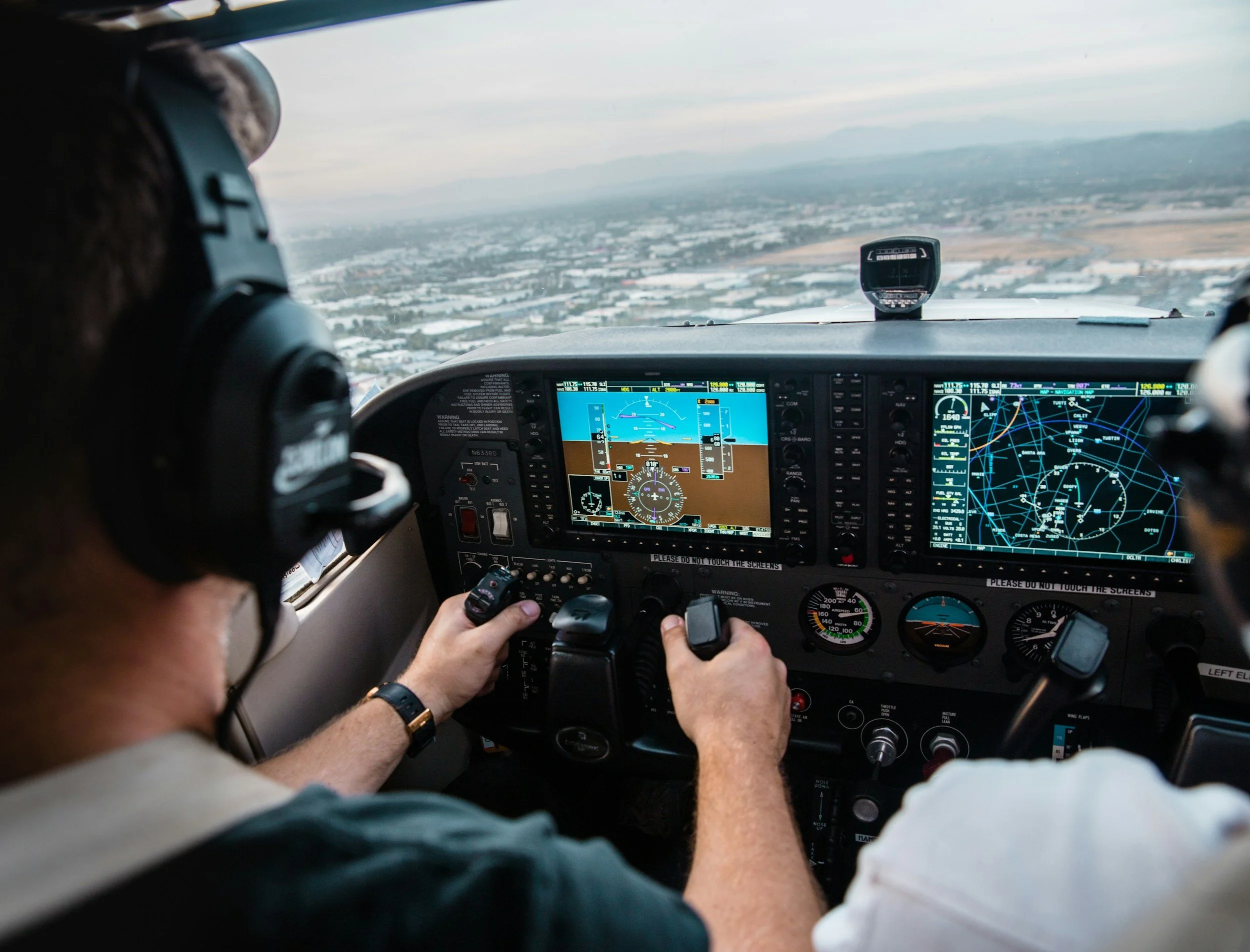
Your headset is the one upgrade you literally wear from start to finish, so it sets the tone for the whole trip. Look for models that pair effective active noise reduction with small but meaningful comfort touches like a heat‑absorbing head pad, soft ear cushions, and a folding design for tidy storage. Those details reduce the low‑frequency hum that wears you down and make radios easier to copy hour after hour.
If you prefer full coverage and maximum quiet, an over‑ear david clark headset with hybrid ANR, plush ear seals, and a light suspension offers a quieter bubble without feeling bulky. For pilots who like to keep it simple, the long‑running H10‑13.4 remains a solid passive option with gel ear seals, a comfortable head pad, and a clear, noise‑canceling microphone that keeps intercom and ATC calls crisp on long legs.
Power You Can Trust: USB Charging That Matches Your Mission
A tablet that quits at the top of descent is the wrong kind of surprise. Adding aviation‑grade USB power in the panel keeps your EFB, phone, and accessories topped up and protects them from the power hiccups common in flight. Mid‑Continent’s TA series and newer TA360 units offer high‑output, lighted ports with options for USB‑A and USB‑C, including fast‑charge models up to 60 to 100 watts, so even power‑hungry tablets stay happy.
If you are not ready for a panel install, a quality cockpit‑friendly dual USB charger and purpose‑built cables are an easy interim step. These are designed for aviation use and help keep the cable mess under control while feeding your devices reliably during long legs.
Tame The Tablet: Mounts And Kneeboards That Reduce Fumbling
A tablet only helps if you can see it, reach it, and keep it steady in bumps. Purpose‑built iPad mounts and yoke clamps give you a secure, adjustable spot for charts and plates, with quick‑release hardware that makes setup simple. You can choose suction, yoke, or panel options, and many systems are shock tested and rotate between portrait and landscape in seconds.
Prefer to fly with the tablet on your lap? Modern kneeboards turn your leg into a stable desk. They accommodate full‑size iPads or iPad mini, rotate to minimize glare, and include pen loops, pockets, and an organizer case so your notes and cables are always where you expect them. That means fewer distractions at busy moments and less head‑down time overall.
See Better, Feel Better: Lighting and Glare Control
Cabin and map lights are underrated upgrades. Swapping in efficient LED reading or map lights provides focused illumination for checklists and charts without flooding the cockpit. Options in 14 or 28 volts include white or soft‑red beams to preserve night vision, with tiny current draw and long service life.
Daytime glare is its own kind of fatigue. Sunglasses designed for the cockpit use thin, flexible temples that fit cleanly under a headset seal and reduce pressure points. Some pilots choose non‑polarized lenses to keep displays easy to read, while others prefer polarized for outside glare control. Either way, purpose‑built frames improve comfort and visibility over long legs.
Quiet Safety Nets: Gas And Oxygen Awareness
A small safety upgrade that pays off is personal gas detection. Portable CO monitors and analyzers give early warning if exhaust finds its way into the cabin, and many units include audible and visual alarms so you cannot miss them. Having one within view adds a quiet layer of protection that you forget about until you need it.
If you spend time at altitude in unpressurized aircraft, plan for supplemental oxygen and keep a fingertip pulse oximeter handy. Portable systems, cannulas, and masks are available in pilot‑friendly kits, and a simple oximeter lets you confirm saturation so you stay sharp through cruise and into approach. It is a modest investment that can reduce fatigue and help you make better decisions late in the day.
Quick Wins Checklist
Comfort first. Choose a headset you can forget you are wearing, with effective noise control and a cool‑running head pad. Your ears and your radios will thank you.
Power everywhere. Add panel USB with the right mix of A and C ports, or carry a cockpit‑ready dual charger and quality cables if you rent.
Stable screens. Mount your tablet where you can see and reach it, or use a kneeboard that rotates and organizes the essentials.
Right light. Install focused LED map lighting and bring sunglasses that play nicely with headsets and screens.
Health checks. Carry a compact CO monitor and an oximeter if you fly higher, so you can spot problems before they become distractions.
Conclusion
Small upgrades earn their keep when they remove friction you feel on every flight. A comfortable headset, dependable power, a solid place for your tablet, better lighting, and a couple of quiet safety nets turn long legs into smoother ones. Pick one or two changes to start, fly a few trips, then add the next. You will notice the difference in how you feel at shutdown and how ready you are for the next day.