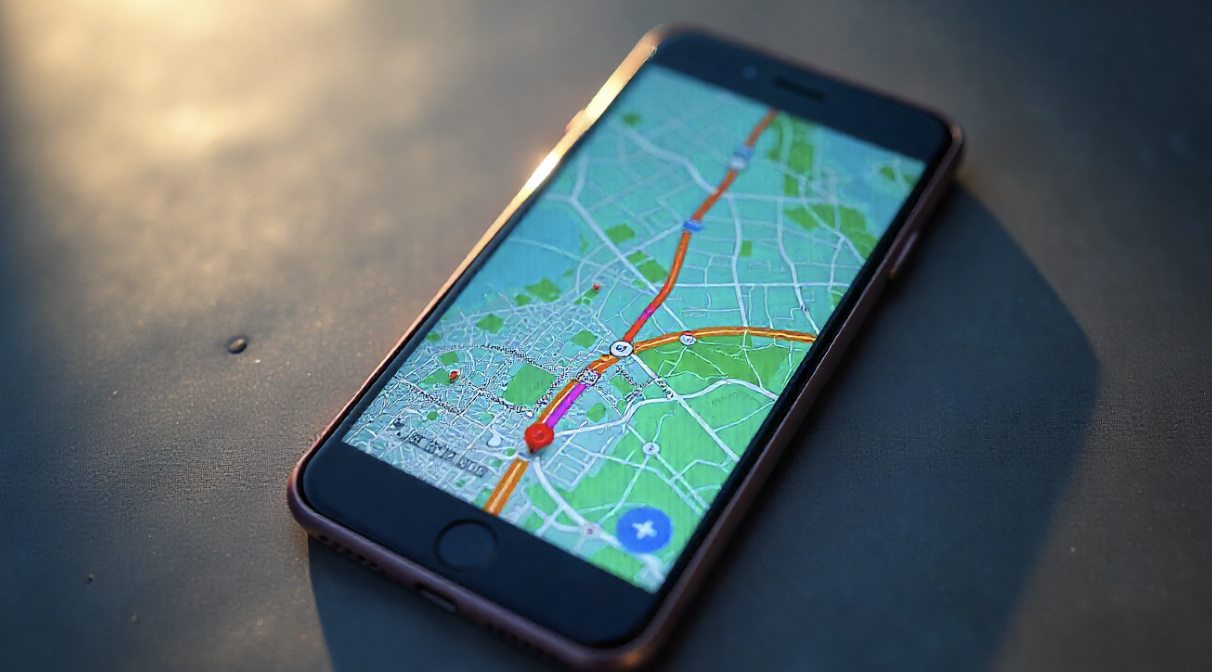
Apple Maps vs. Google Maps: Which is Better for Travel?
When it comes to digital navigation, Apple Maps and Google Maps are the two most widely used apps worldwide. Both have evolved into powerful travel companions, offering not just turn-by-turn directions but also live traffic updates, offline accessibility, and local business integration. However, travelers often wonder: Which one is truly better for navigating unfamiliar cities, road trips, or international adventures?
This guide provides an in-depth comparison, highlighting features, usability, and travel-specific benefits to help you choose the right app for your journeys.
1. User Interface and Ease of Use
The design philosophy of these two apps reflects their parent companies:
Apple Maps emphasizes a sleek, minimal, and visually clean interface. It integrates seamlessly with iOS and Apple’s ecosystem, offering fluid animations and an intuitive layout.
Google Maps prioritizes functionality, with a denser interface packed with detailed information. Its layers, menus, and options make it highly customizable but sometimes overwhelming for new users.
Verdict:
If you prefer simplicity and elegance, Apple Maps delivers.
If you want data-rich navigation, Google Maps is hard to beat.
2. Accuracy and Coverage
Accuracy remains a core factor in deciding between the two.
Google Maps has a significant advantage in terms of global reach. With over a decade of user-contributed data, Google offers detailed maps, especially in less-developed regions.
Apple Maps has made major strides since its rocky 2012 launch. It is highly accurate in the U.S., Western Europe, and select regions, but in some remote or rural areas, it still trails Google.
Coverage Comparison:
Urban areas: Both perform well, with real-time traffic and detailed street information.
International travel: Google Maps has better availability across diverse regions.
3. Offline Navigation Capabilities
Travelers frequently face limited internet access, especially abroad. Offline functionality becomes essential.
Google Maps allows users to download large map areas for offline navigation, complete with search and routing capabilities.
Apple Maps has recently introduced offline maps (iOS 17 and later), allowing users to download selected regions and access them without data. While still new, the feature is a game-changer for iPhone users.
For those who want to maximize the offline features of Apple Maps and discover additional iOS travel hacks, Apfelpatient offers practical guides and insights in theirTips & Tricks section.
4. Traffic, Transit, and Real-Time Updates
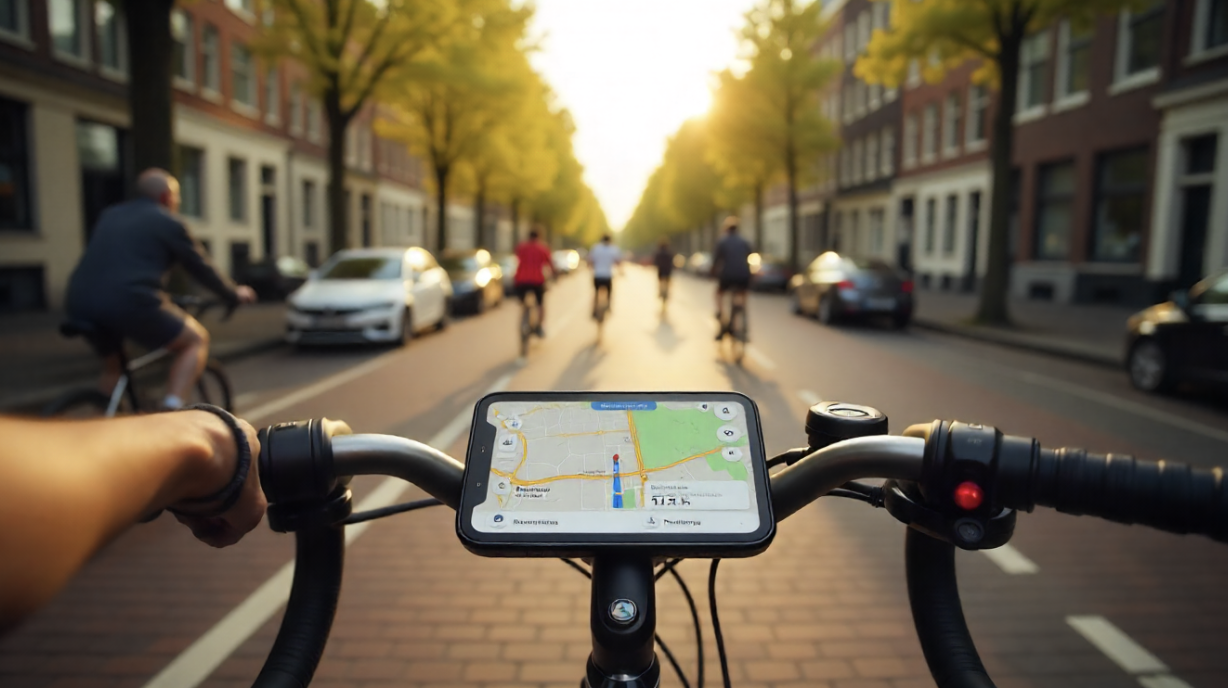
Both apps integrate real-time data, but their strengths differ:
Google Maps excels with its vast data pool, providing accurate ETAs, congestion alerts, alternate routes, and even parking availability.
Apple Maps uses a blend of proprietary data and partnerships. It now features real-time traffic, speed checks, and accident alerts. Its transit navigation is polished in cities where available, with clear instructions for trains, buses, and ferries.
Winner: Google Maps for broader global transit support; Apple Maps for a visually refined and user-friendly transit interface.
5. Travel-Friendly Features
Both apps now extend beyond driving directions, offering features tailored to travelers:
Apple Maps:
Immersive “Look Around” (similar to Street View) in select cities.
Natural language search (“coffee near me on the way to the airport”).
Seamless CarPlay integration.
Google Maps:
Comprehensive business listings with reviews, photos, and peak hours.
Street View is globally available.
Trip planning with “Saved Places” and lists.
For travelers who love combining style and technology, wearables enhance the navigation experience. Apple Watch users can enjoy haptic navigation alerts with Apple Maps, making directions more discreet. Learn more about next-gen wearables in this Luxurious Wearables Sensible Vogue article, which explores how technology is blending seamlessly with fashion for modern travelers.
6. Privacy and Data Security
Privacy is a rising concern among frequent travelers.
Apple Maps takes a strong stance on privacy. It does not tie your searches or navigation history to your Apple ID, offering anonymized data processing.
Google Maps, while feature-rich, relies heavily on data collection. Personalized suggestions, ads, and recommendations are based on your location history and account activity.
Verdict:
Choose Apple Maps if privacy is a priority.
Choose Google Maps if convenience and personalized data are more important to you.
7. Integration with Travel Ecosystems
The best navigation app also depends on the ecosystem you use:
Apple Maps integrates flawlessly with iPhone, iPad, Mac, Apple Watch, and CarPlay. It feels natural for Apple users who prefer minimal disruption.
Google Maps integrates across Android, iOS, Chrome, and even third-party platforms. It is ideal for cross-device travelers.
Final Verdict
Ultimately, both Apple Maps and Google Maps are powerful tools, and the “better” choice depends on your travel style:
Choose Apple Maps if: you value privacy, an elegant interface, seamless Apple integration, and offline access (especially for iPhone users).
Choose Google Maps if: you need global accuracy, detailed information, business reviews, and robust offline maps across diverse regions.
For frequent travelers, the smartest approach may be to use both strategically—Google Maps for international exploration and Apple Maps for daily local navigation and Apple ecosystem benefits.